When using GolfTrak in Free mode, you receive 5 free shots each day to view and experience all shot metrics.
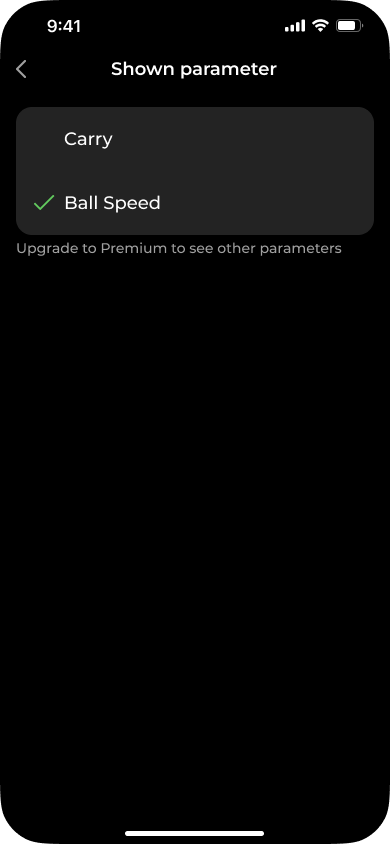
After your 5 shots expire, the app will display one free shot metric after each shot. You can choose between Ball Speed or Carry.
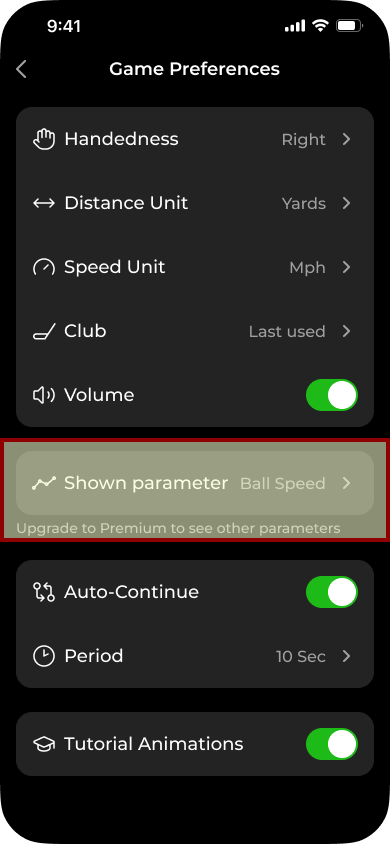
To switch between which metric to display, you can do this via Profile > Game Preferences > Shown Paramater. Then switch between Ball Speed or Carry.
Ball Speed is the default selection.