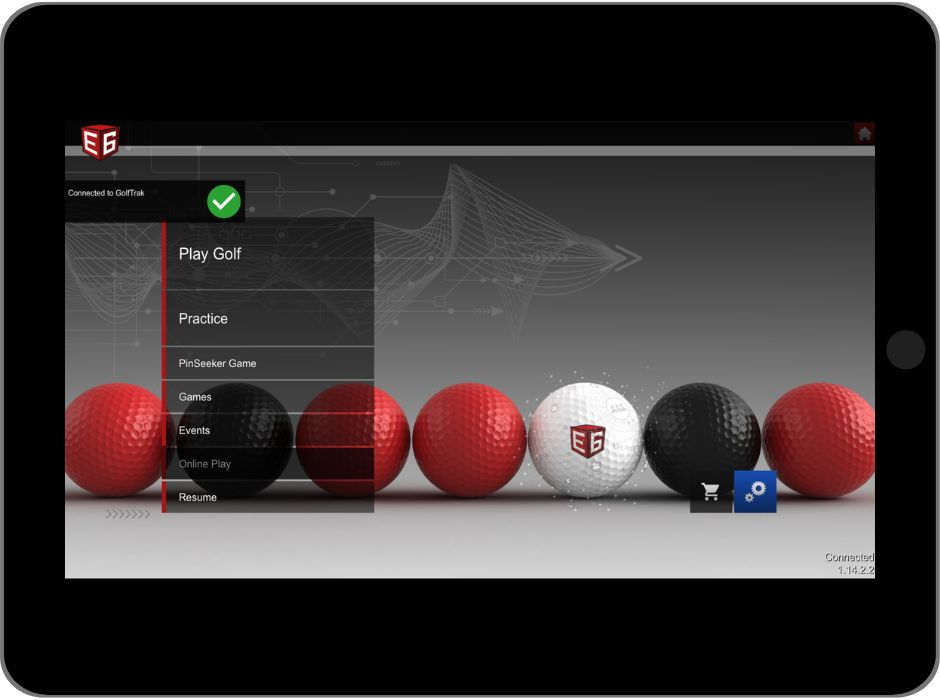
Check GolfTrak connection in E6 ConnectUpdated 5 months ago
To confirm you have connected GolfTrak as your simulator in E6 Connect you will require an internet connection on your E6 Connect device.
Once you have a solid network connection, follow these steps:
1. Navigate to Simulator Settings
- Under the settings options in E6 Connect, navigate to the Simulator section
- Under the Tracking System section, confirm which system has been chosen
- You can test the connection by:
- Selecting a different system or None and tap Accept
- Then choose GolfTrak again and tap Accept

2. Check GolfTrak Connection Status
After following the steps in Step 1 or after logging back into E6, check that E6 is attempting to connect to GolfTrak

Look for the Connected to GolfTrak confirmation alert