How do I update the settings via the Apple Watch App?Updated 5 months ago
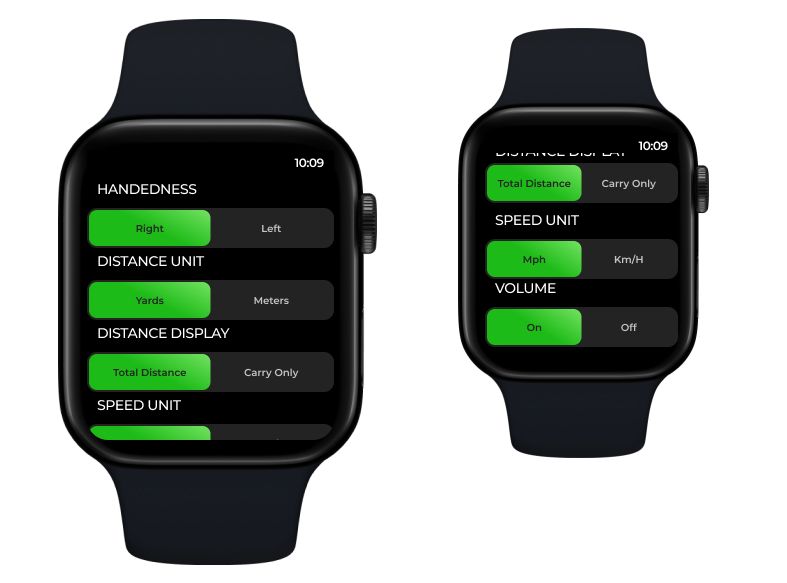
You can update several key settings directly from the Apple Watch
To change your Apple Watch App settings, scroll to the left to view the available options.
Handedness
Choose between Right or Left Handed
Distance Unit
Choose whether distance is displayed in Yards or Metres
Distance Display
Choose whether the shot distance is displayed as Carry Only (the point where the ball lands) or Total Distance (the final position of the ball after landing and rolling)
Speed Unit
Choose whether Ball and Club speeds are shown in Miles or Kilometres per hour
Volume
Switch the volume on or off on the iPhone app when reading out shot results