Outdoor Mode is built to help you capture accurate swing and ball data when you’re practicing outside.
To accurately measure your shot result outdoors, the most important element is clear lighting.
Early morning and late evening light is dim and can reduce image quality.
Some outdoor lights are not bright enough for clear tracking.
Shadows and uneven lighting can cause inconsistent shot detection.
Our AI Models and algorithms use different processing depending on the surface the ball impacts.
Practice or Hitting Net
Surfaces that have transparent material
They are designed to ‘catch’ the ball’s impact easily.
Includes various shapes and designs, such as domes, curves, or temporary structures.
Driving Range
Outdoor range of practice area with allocated hitting mats and bays
Includes any outdoor hitting area with approximately 10 ft./3m of ball flight
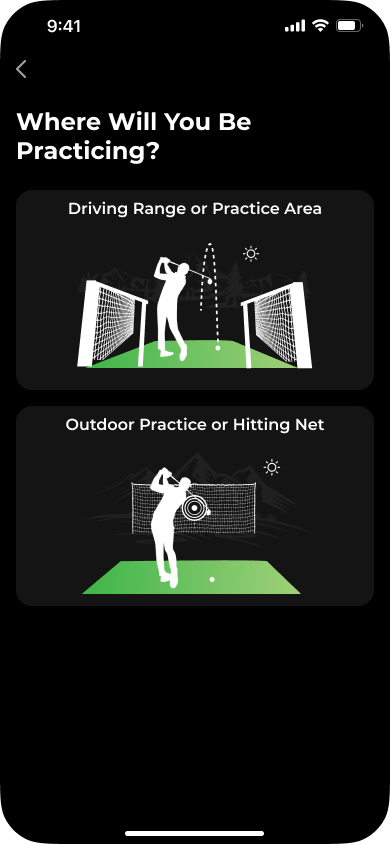
In order to place your phone in the right position, follow these steps.
Place your ball in the position where you will be hitting your shots from. This area of 8”x4”/20cm x 10xm will be where you place your ball for each shot during the session.
Measure approximately 4 ft / 1.2 m behind the ball, in the direction away from your target. To estimate the distance, lay your driver flat on the ground behind the ball with the club pointing toward your hitting target.
Place your phone on the ground at that measured point, at the end of the driver, with the phone positioned behind the ball and facing toward your hitting target.
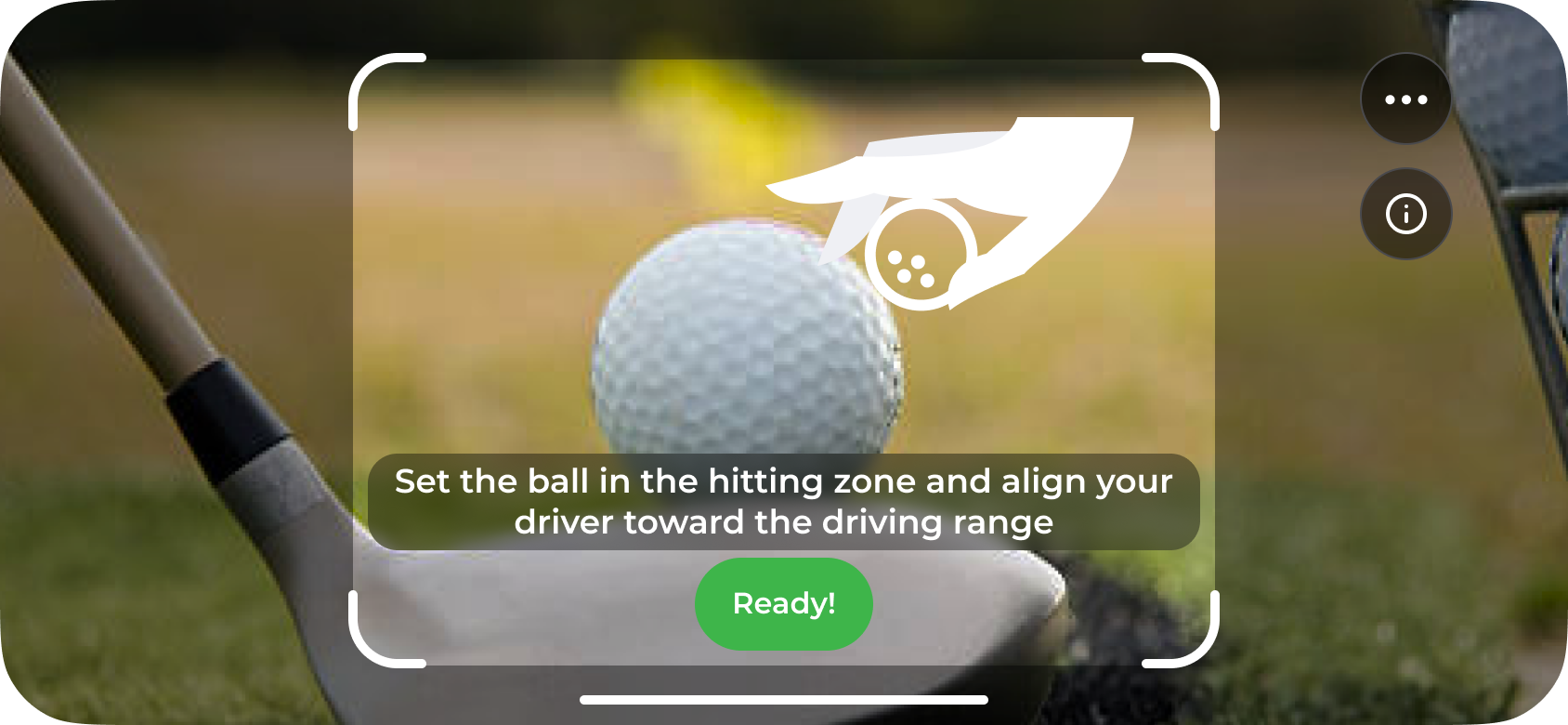
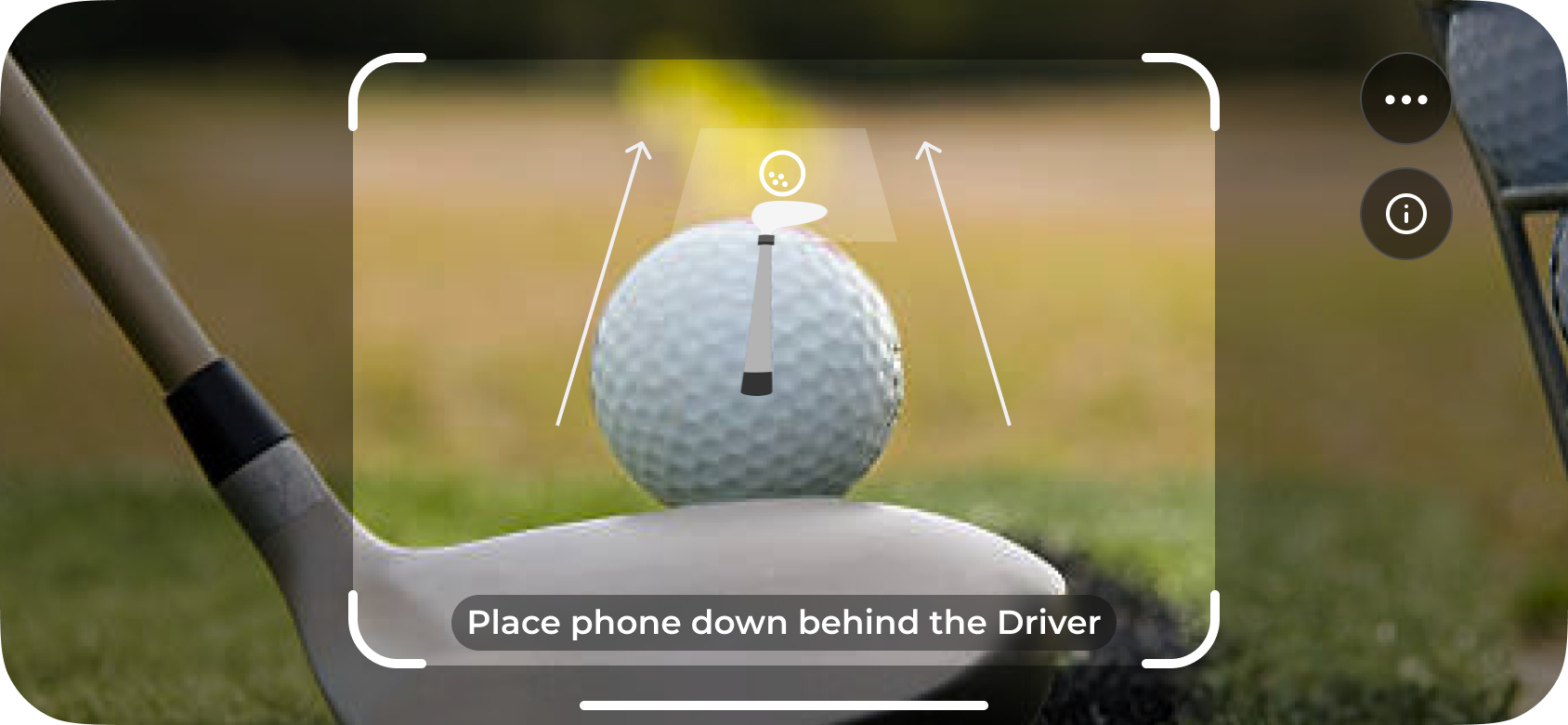
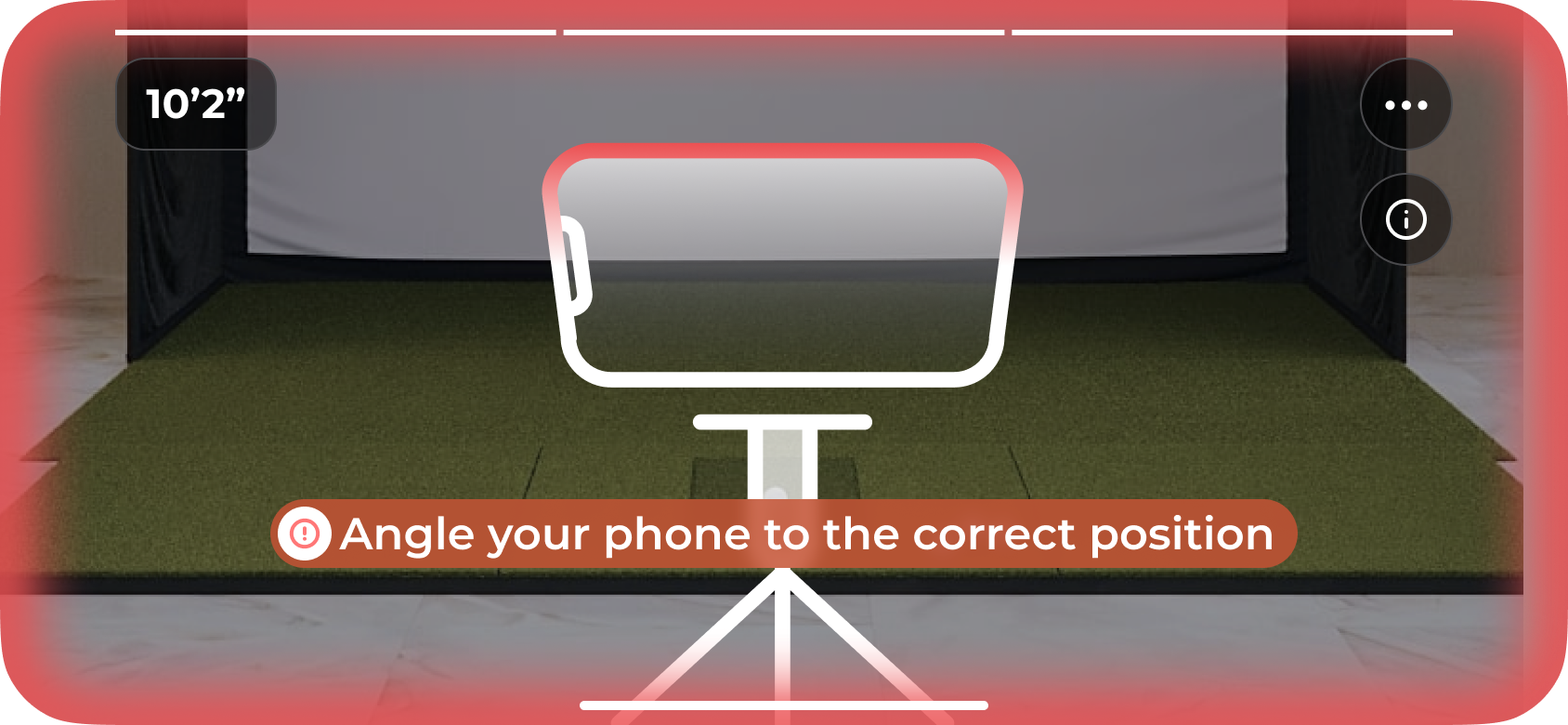
In order for the phone’s camera to see both the strike and the ball’s flight path to track the shot correctly, you must angle and align it correctly.
Place your phone on the ground at the measured position behind the ball and wait a moment for it to sit completely still.
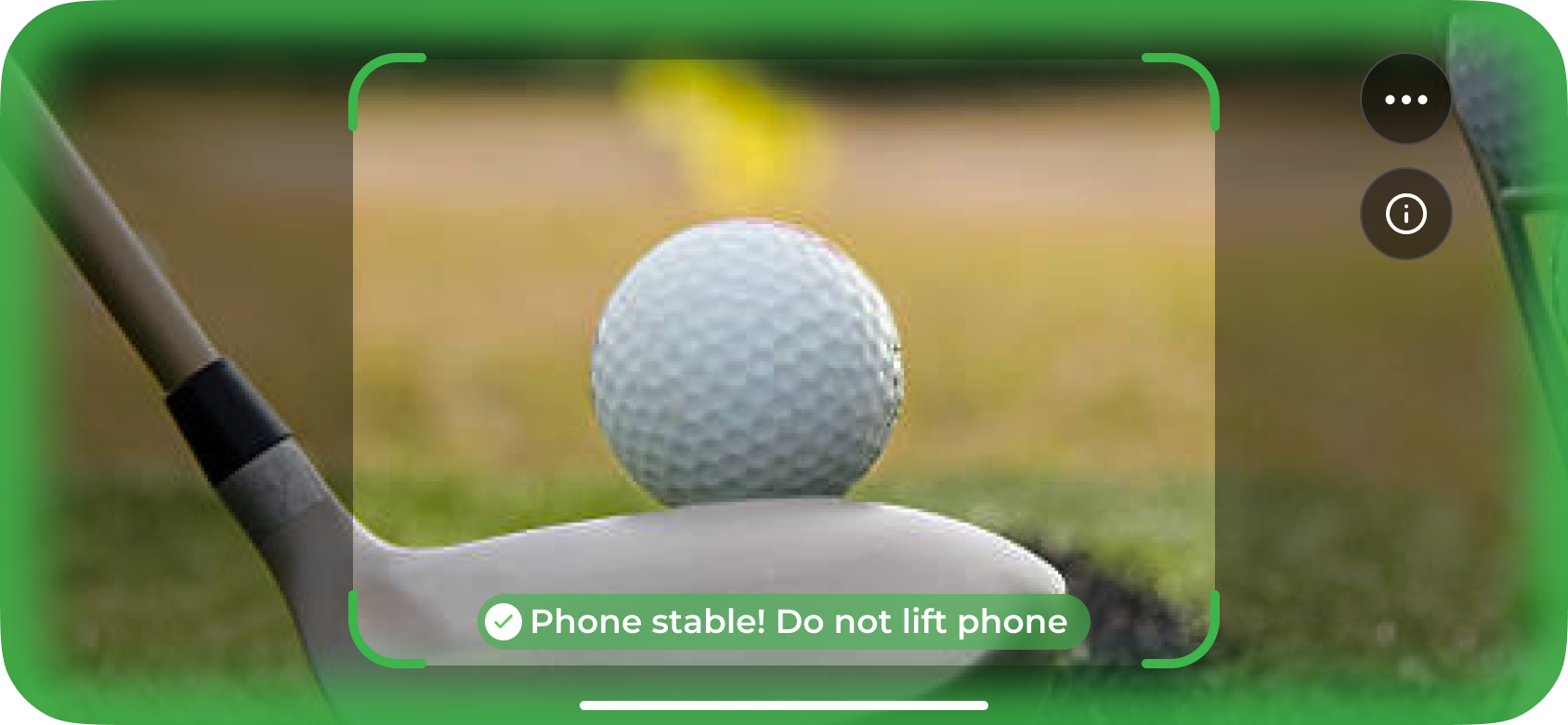
Once stable, adjust the phone angle so the camera clearly captures the ball at address, the club at impact, and the initial ball flight all the way to the screen or net.
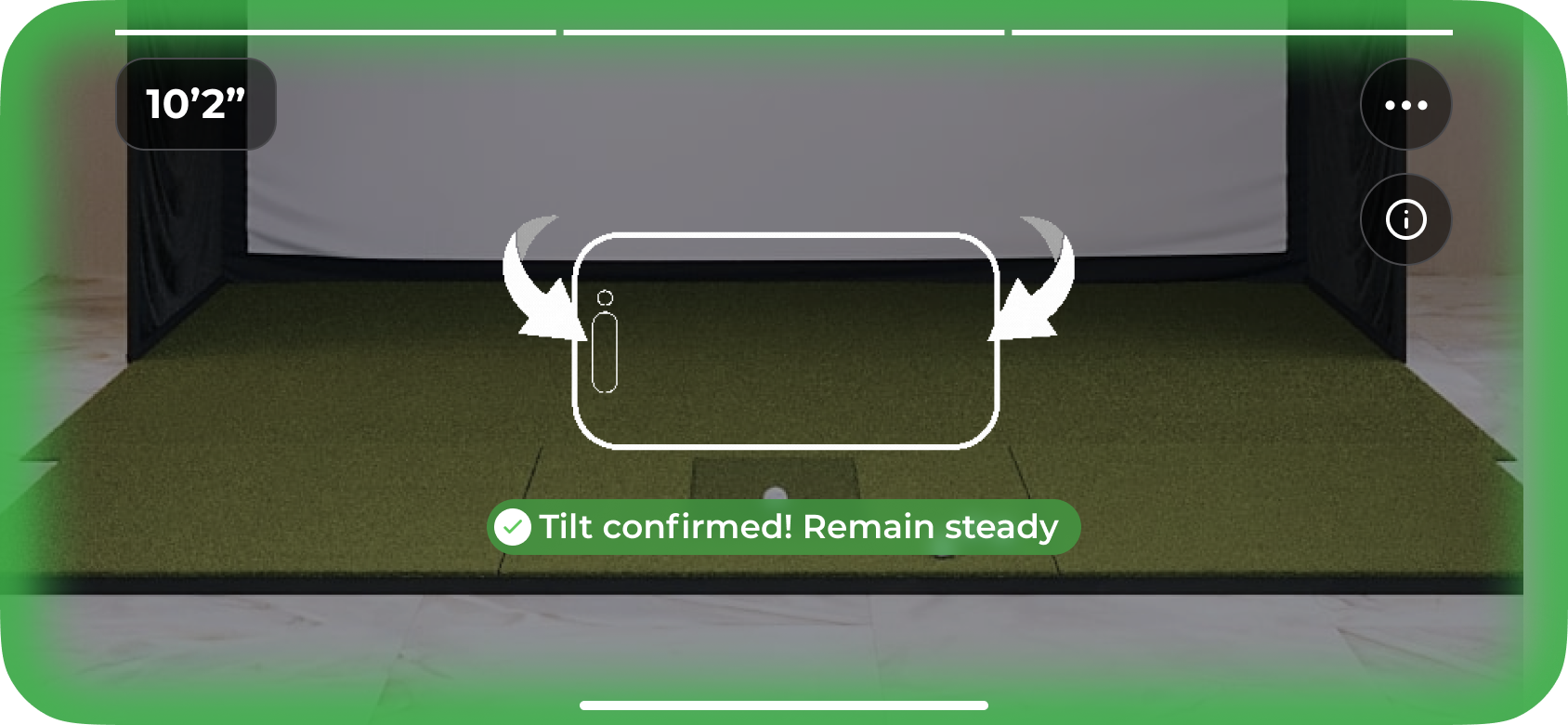
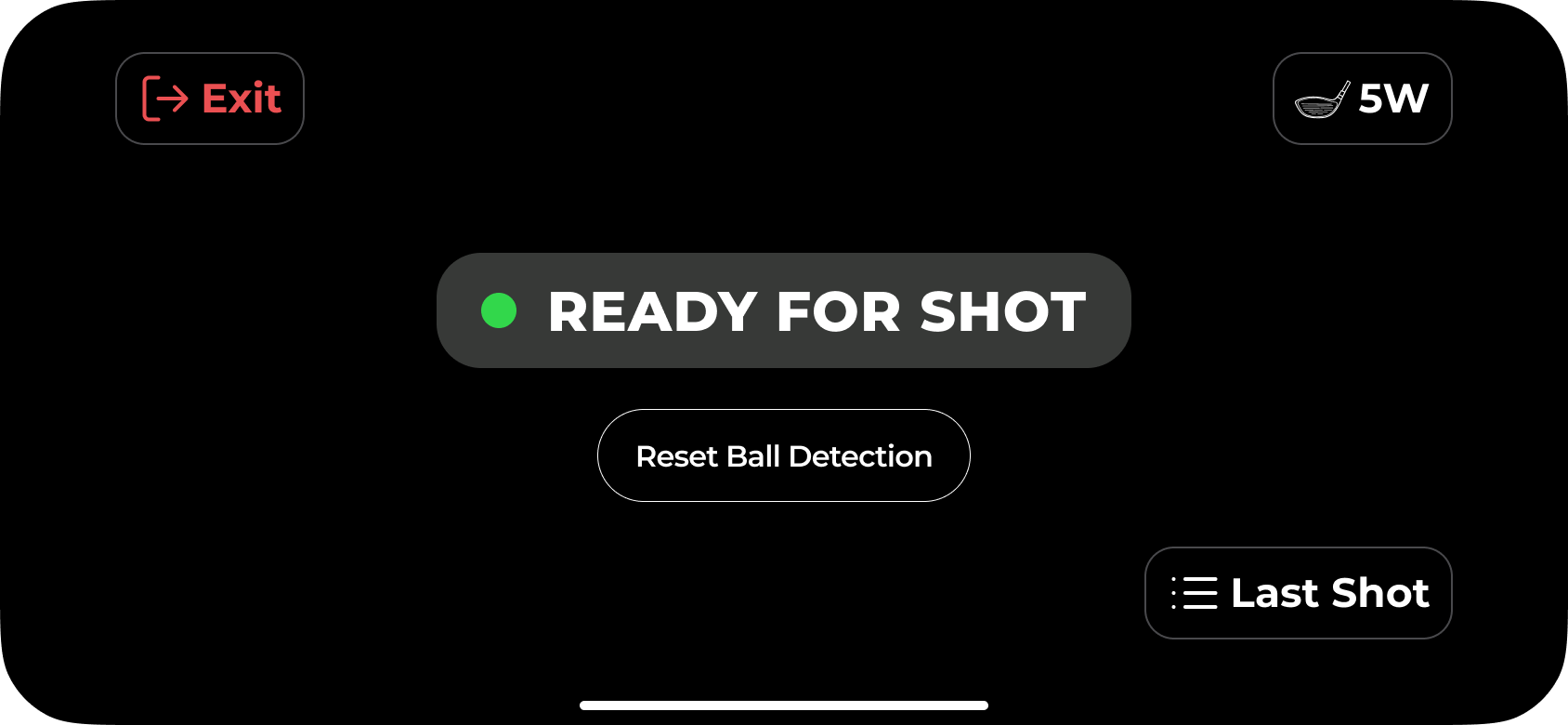
Once all setup steps are complete, the app will switch into ball detection mode.
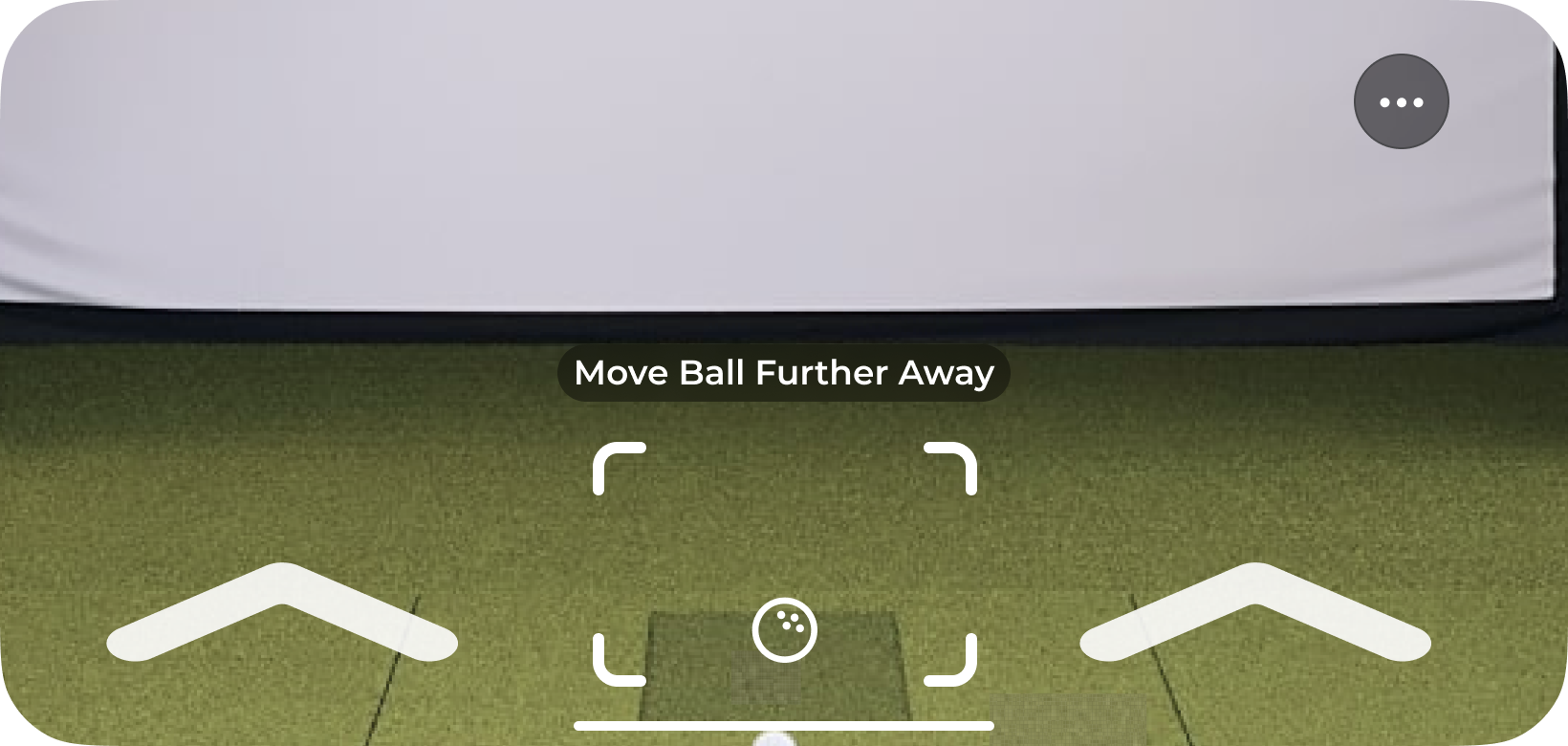
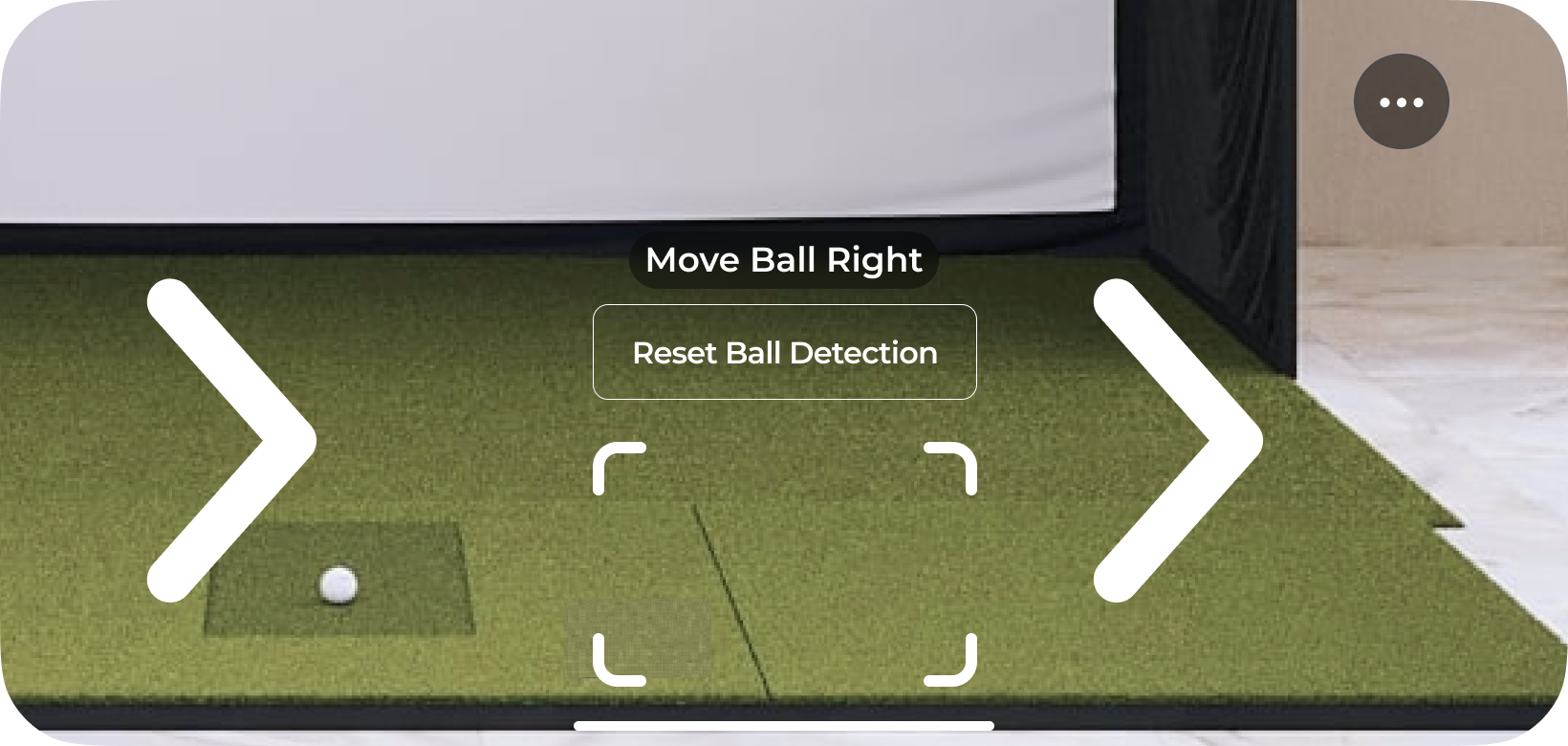
If setup is completed correctly the app should detect your ball’s position immediately. You may be prompted to move your ball to a position where the app can better detect and track it. Follow the on-screen and audio prompts until your ball is detected.
Other relevant articles to assist with shot setup:
Quickstart GolfTrak guide
Want to start tracking those shots asap? Check out how to get going straight away and start analyzing your results
Important Troubleshooting Tips
If GolfTrak is displaying incorrect data, readings or is unable to read results. Follow these key setup tips.